
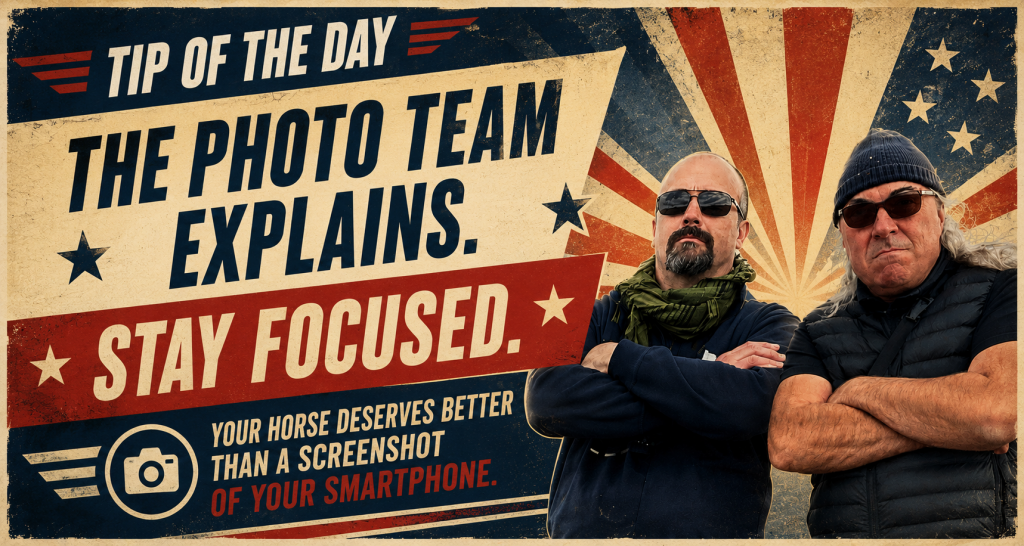
I’ve been told that the process for downloading the full-size photos isn’t necessarily obvious to everyone.
So, just so you know: all the photos you can browse on this site are stored in a high-resolution format, perfectly suitable for standard photo printing or any other use you may have in mind (as long as you comply with the terms of use accepted when creating your account).
To save a full-size image to your computer, simply open the photo of your choice, right-click on it, and select “Save image as…”.
The same can also be done from mobile devices (phones and tablets), although the method may vary depending on your operating system. On iPhone, for example, you simply need to press and hold your finger on the image for a few seconds.
That’s all for today.




 EN
EN  FR_FR
FR_FR